
What is iLovePDF?
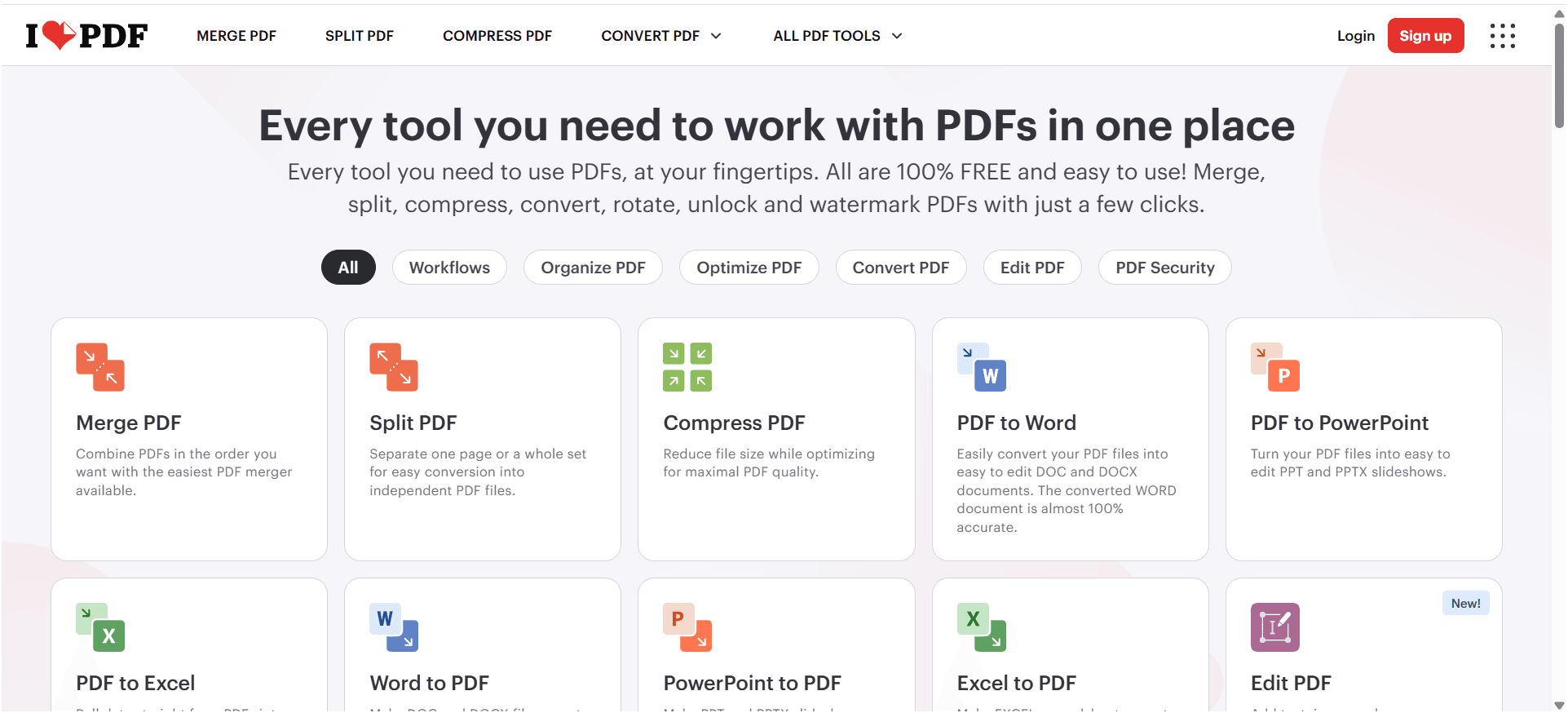
IlovePDF files are a part of daily work today—assignments, office reports, contracts, resumes, and more. But managing PDFs is often frustrating, especially when you need quick edits or conversions. iLovePDF is an online platform that makes PDF management simple. You can merge, split, compress, convert, edit, and secure PDF files directly from your browser without installing any software. Its clean interface and fast tools make it a popular choice for students, freelancers, and professionals.
Official link: https://www.ilovepdf.com/
Why Use iLovePDF?
Most PDF tools are either expensive or complicated. iLovePDF focuses on simplicity and speed. You upload a file, choose a tool, and finish the task in minutes. It works across devices and saves both time and effort. Whether you need to reduce file size, convert a PDF to Word, or combine multiple documents, iLovePDF handles everyday PDF tasks smoothly.
Every tool you need to work with PDFs in one place
Who Is iLovePDF For?
iLovePDF is built for anyone who regularly works with PDFs:
- Students handling assignments and notes
- Freelancers managing contracts and proposals
- Office professionals preparing reports
- Small businesses organizing documents
You don’t need technical knowledge—the platform is beginner-friendly.
Key Features of iLovePDF
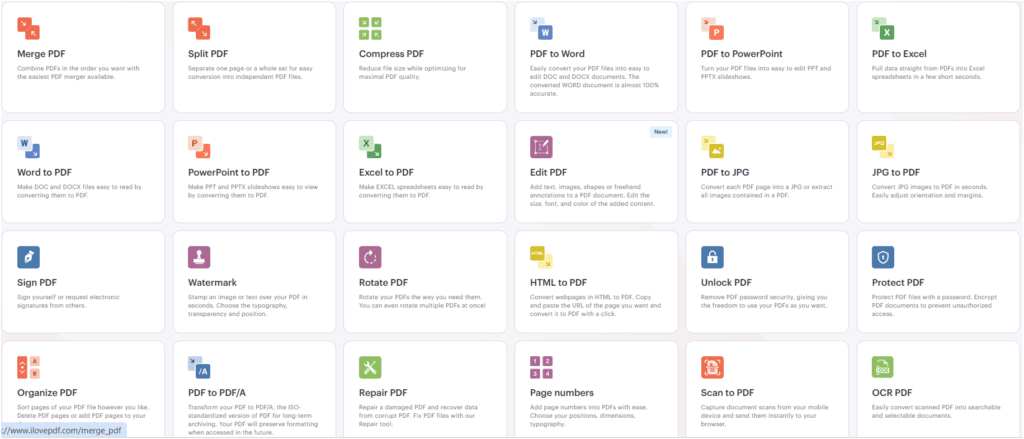
iLovePDF offers all essential PDF tools in one place. From merging and compressing to converting and securing files, everything is available on a single platform. It also supports cloud storage like Google Drive and Dropbox, making file access easier and faster.
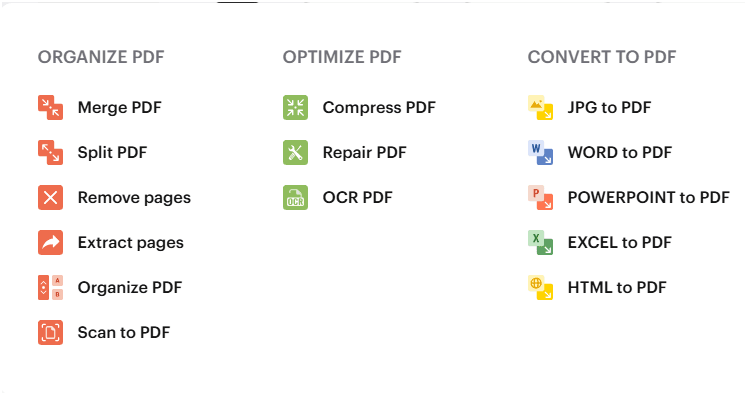
1) Organize PDF
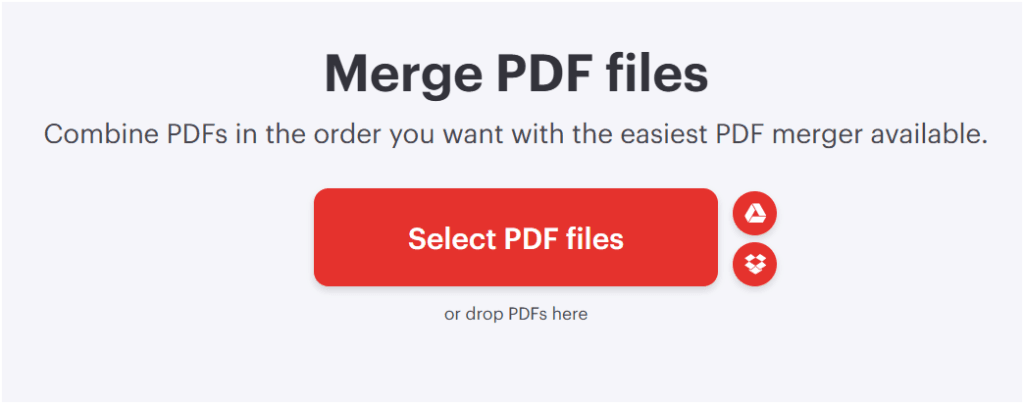
The PDF Merge tool lets you combine multiple PDF files into one document. You can arrange pages before merging to get the exact order you want. This is useful for students combining notes and professionals creating complete reports. With the PDF Split tool, you can extract specific pages or divide a large PDF into smaller files. It’s helpful when you only need a section of a document instead of the whole file.
- Merge PDF files: Combine PDFs in the order you want with the easiest PDF merger available.
- PDF Split Tool: Separate one page or a whole set for easy conversion into independent PDF files.
- Remove PDF pages: Select and remove the PDF pages you don’t need. Get a new file without your deleted pages.
- Extract Pages: Separate one page or a whole set for easy conversion into independent PDF files.
- Organise PDF: Sort pages of your PDF file however you like. Delete PDF pages or add PDF pages to your document at your convenience.
- Scan to PDF: Capture document scans from your mobile device and send them instantly to your browser.
Combine PDFs in the order you want with the easiest PDF merger available.
Merge File link: Merge PDF files
Separate one page or a whole set for easy conversion into independent PDF files.
Split PDF file link:- Split PDF file
3) Optimize PDF
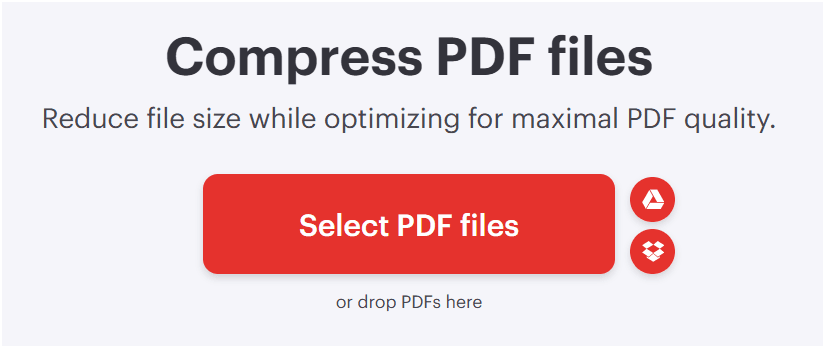
Large PDFs can be hard to upload or email. iLovePDF’s compression tool reduces file size while keeping the document readable. This is ideal for online submissions and email attachments.
- Compress PDF: Reduce file size while optimising for maximal PDF quality.
- Repair PDF file: Upload a corrupt PDF, and we will try to fix it. Depending on how much the PDF is damaged, we will be able to recover it partially or completely.
- OCR PDF: Convert non-selectable PDF files into selectable and searchable PDFs with high accuracy.
Reduce file size while optimising for maximal PDF quality.
Compress PDF files: – Compress PDF files
4) PDF to Word Converter
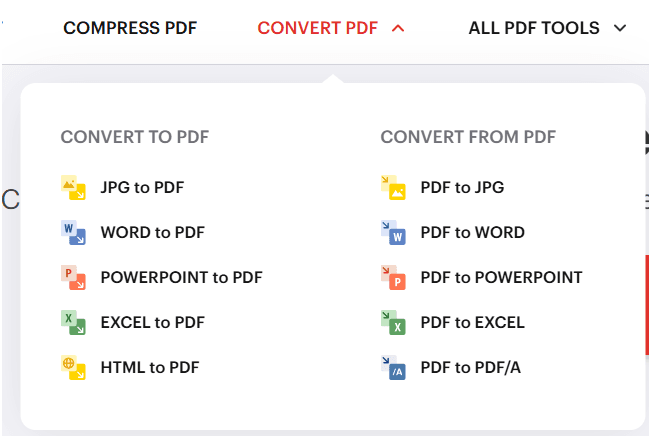
Editing a PDF is easier in Word format. iLovePDF converts PDFs into editable Word files, allowing quick updates without retyping content. This saves time for students and office users.
1) Convert into PDF
- JPG to PDF: Convert JPG images to PDF in seconds. Easily adjust orientation and margins.
- Word To PDF: Make DOC and DOCX files easy to read by converting them to PDF.
- PowerPoint to PDF: Make PPT and PPTX slideshows easy to view by converting them to PDF.
- Excel to PDF: Make EXCEL spreadsheets easy to read by converting them to PDF.
- HTML to PDF: Convert webpages in HTML to PDF. Copy and paste the URL of the page you want and convert it to PDF with a click.
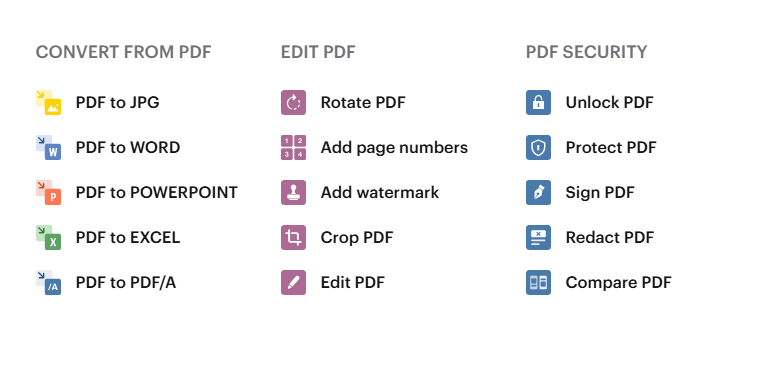
2) Convert from PDF
- PDF TO JPG: Convert each PDF page into a JPG or extract all images contained in a PDF.
- PDF to Word: Easily convert your PDF files into easy-to-edit DOC and DOCX documents. The converted WORD document is almost 100% accurate.
- PDF TO PowerPoint: Turn your PDF files into easy-to-edit PPT and PPTX slideshows.
- PDF TO Excel: Pull data straight from PDFs into Excel spreadsheets in a few short seconds.
- PDF TO PDF/A: Transform your PDF to PDF/A, the ISO-standardised version of PDF for long-term archiving. Your PDF will preserve formatting when accessed in the future.
5) PDF Edit & Page Management
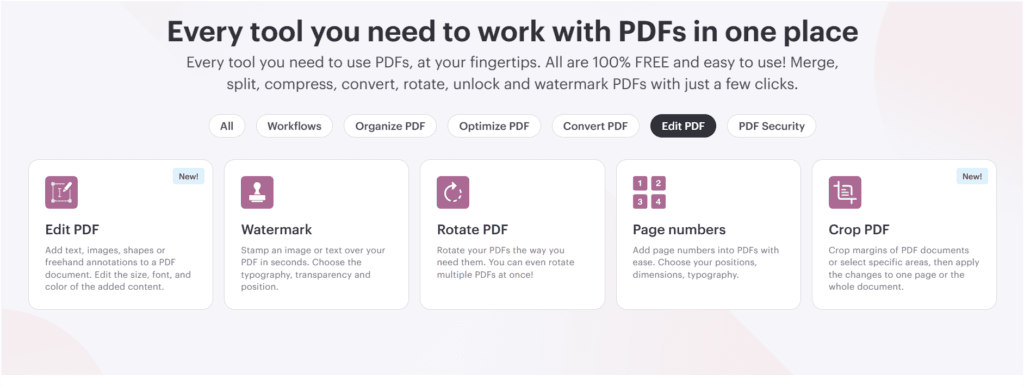
iLovePDF allows basic editing and page management like reordering, rotating, or deleting pages. These tools are practical for organizing long documents and fixing page order issues.
- PDF Editor: Add text, images, shapes or freehand annotations to a PDF document. Edit the size, font, and colour of the added content. It means edit PDF by adding text, shapes, comments, and highlights. Your secure and simple tool to edit PDFs.
- Add a watermark into a PDF: stamp an image or text over your PDF in seconds. Choose the typography, transparency, and position.
- Rotate PDF: Rotate your PDFs the way you need them. You can even rotate multiple PDFs at once!
- Add PDF page numbers: add page numbers into PDFs with ease. Choose your positions, dimensions, and typography.
- Crop PDF: Crop margins of PDF documents or select specific areas, then apply the changes to one page or the whole document. it means Trim PDF margins in seconds. Easily resize PDF pages with the PDF cropper.
6) PDF Security Tools
For sensitive documents, security is essential. iLovePDF lets you add passwords, remove restrictions, and apply watermarks. These tools are useful for business and professional documents.
- Sign PDF: Sign yourself or request your electronic signature from others. It means your tool to eSign documents. Sign a document yourself or send a signature request to others.
- Unlock PDF: Remove PDF password security, giving you the freedom to use your PDFs as you want.
- Protect PDF file: Protect PDF File with password-encrypted PDF documents to prevent unauthorised access. It means Encrypt your PDF with a password to keep sensitive data confidential.
- Compare PDF: Easily display the differences between two similar files. Show a side-by-side document comparison and easily spot changes between different file versions
- Redact PDF:- Redact Text and Graphics: To permanently remove sensitive information from a PDF, it means Remove sensitive content from PDFs
iLovePDF Free vs Premium
The free version is good for basic tasks but has limits. The premium version removes restrictions, offers batch processing, and provides an ad-free experience. Regular users benefit more from the premium plan.
Pros of iLovePDF
- Free version available
- Easy to use
- All PDF tools in one place
- Works on web, mobile, and desktop
- Secure file handling
Cons of iLovePDF
- Usage limits in the free plan
- Internet connection required
- Some advanced features need premium
iLovePDF for Students
Students can easily manage assignments, scanned notes, and project files. iLovePDF saves time and removes the need for paid software, making it ideal for academic work.
iLovePDF for Freelancers & Office Users
Freelancers and professionals use iLovePDF to handle contracts, reports, and client documents. Its tools improve workflow efficiency and productivity.
If you’re also interested in earning online using visual platforms, check out our detailed guide on making money on Pinterest in 2026, where we explain practical strategies for beginners and creators.
Visit Our Article : Make Money on Pinterest
Conclusion & Recommendation
If you work with PDFs regularly, iLovePDF is a reliable and practical solution. It keeps PDF tasks simple, fast, and accessible for beginners and professionals alike. The free version covers basic needs, while the premium plan is ideal for heavy users. Overall, iLovePDF is a smart choice for everyday PDF management.
